Where AI automation can help with repetitive business tasks
Find realistic automation opportunities, understand where conventional workflows are safer, and plan review and exception handling from the start.

Many business processes contain repetitive steps: collecting details, routing requests, preparing summaries, or updating connected tools. Automation can reduce manual handling, but AI is not required for every step. A predictable rule-based integration may be easier to test and operate. AI is most useful where inputs are unstructured or a task needs language understanding.
Map the work before automating it
Follow one task from its starting point to completion. Record the systems and people involved, what information is missing most often, and how exceptions are resolved. Ask the people performing the work which steps are genuinely repetitive and which require context or judgment. The objective is to improve the process, not merely reproduce every existing step in software.
Select a task with a clear input and a reviewable output. For example, an AI service may categorize an inbound request and prepare a short summary, while a deterministic workflow checks required fields and routes the item. A person can correct the categorization and decide what happens next. This division makes the system easier to reason about.
Use the simplest reliable approach
If a workflow follows stable conditions—such as routing a form based on a selected option—ordinary application logic is usually preferable. If a team must interpret varied text, extract information from documents, or draft a response, an AI capability may help. Many useful automations combine both: AI handles language, while explicit rules validate and move data.
- Automate repeatable, low-risk steps before sensitive decisions.
- Validate AI-extracted values before changing a system of record.
- Keep a person in the loop when the result affects customers or money.
- Log failures and provide a clear manual fallback.
Plan for errors and exceptions
Build for missing fields, ambiguous requests, timeouts, duplicate submissions, and unavailable services. Decide what should be retried, what should stop, and who will be notified. Set permissions according to the task and protect personal or confidential data. Test failure paths and verify that a person can find and resolve work that the automation could not complete.
Evaluate the process using a representative sample. Review classification or extraction quality, the time spent on corrections, and the number of cases that require escalation. Keep people who do the work involved in the pilot; their feedback often reveals confusing handoffs and unhandled cases before a broader rollout.
Run a small, reversible pilot
Start with a bounded workflow and a clear way to compare it with the current process. Keep a manual route available, review the results regularly, and expand only after the system behaves acceptably on real examples. For help assessing an opportunity, read about our AI automation services or discuss the workflow with us.
Looking for help with this?
Explore our ai automation servicesKeep exploring
Related insights
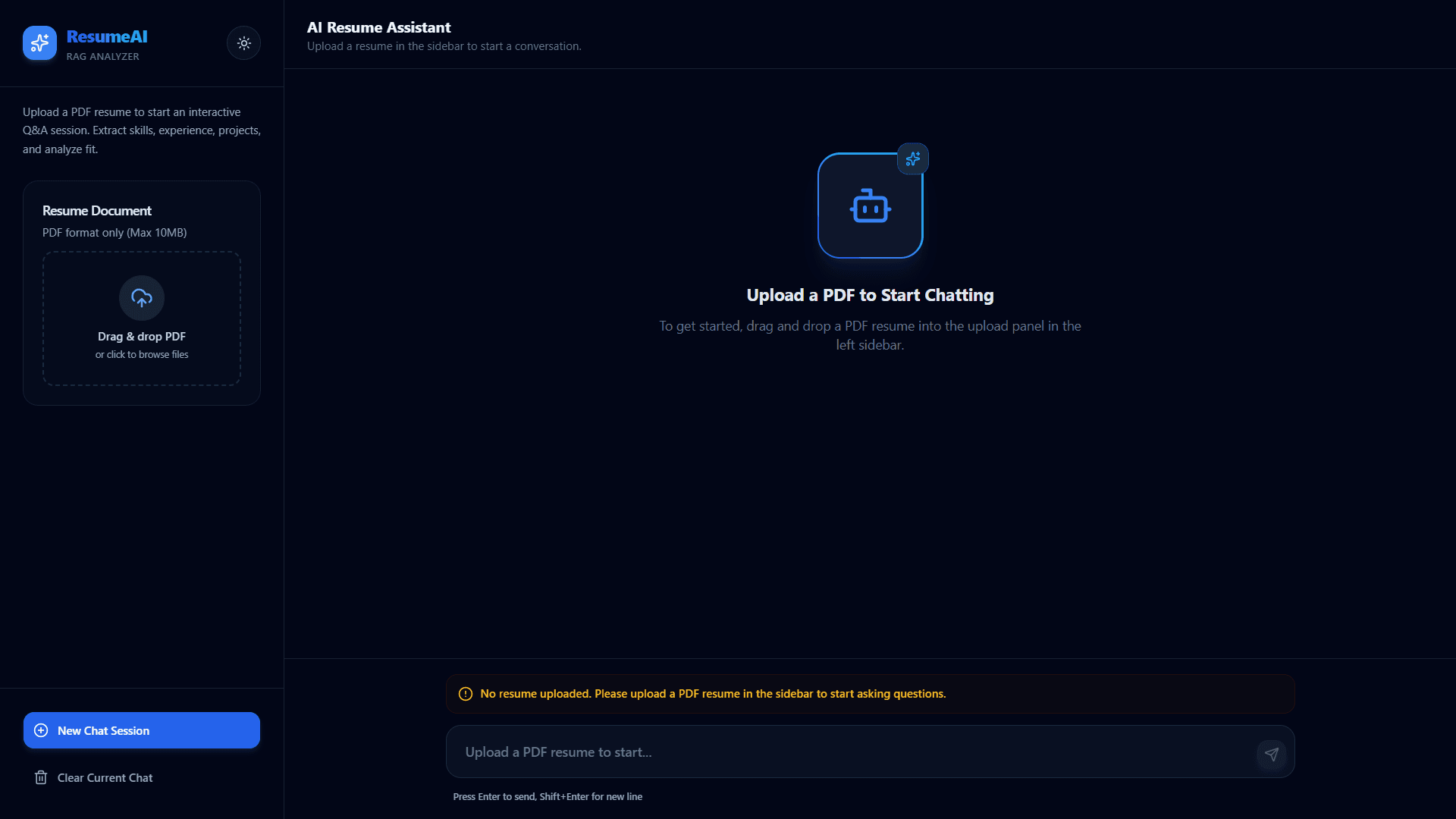
How AI agents can improve a business workflow
A practical guide to identifying suitable agent tasks, setting guardrails, and introducing AI into an existing process without losing oversight.
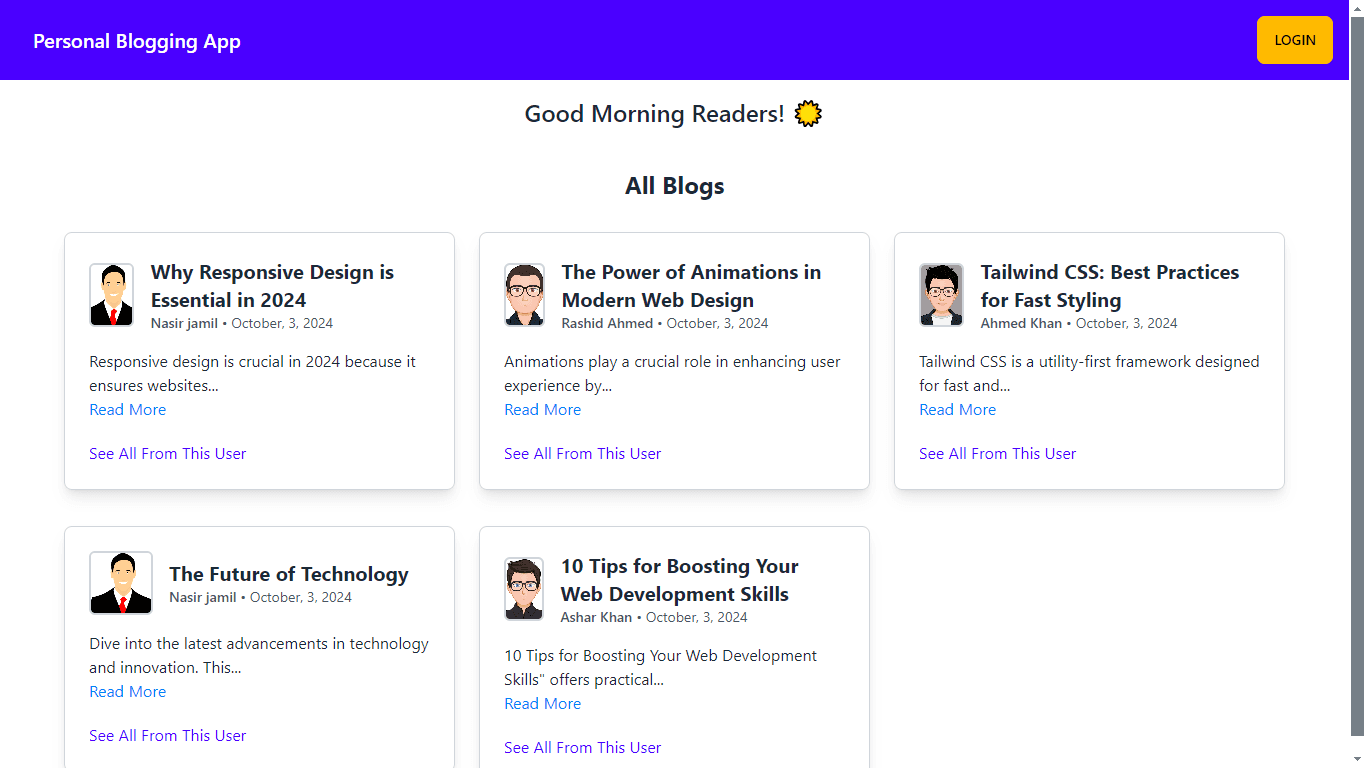
AI chatbots vs. AI agents: choosing the right approach
Understand the practical difference between conversational assistants and tool-using agents, and choose a scope that fits your users and risk.

How to choose a technology stack for your web application
A decision framework for selecting frontend, backend, and data technologies based on product needs, team capability, and long-term ownership.