React Native vs. native mobile app development
Compare cross-platform and native development by product requirements, device capabilities, team skills, and the experience you need to deliver.
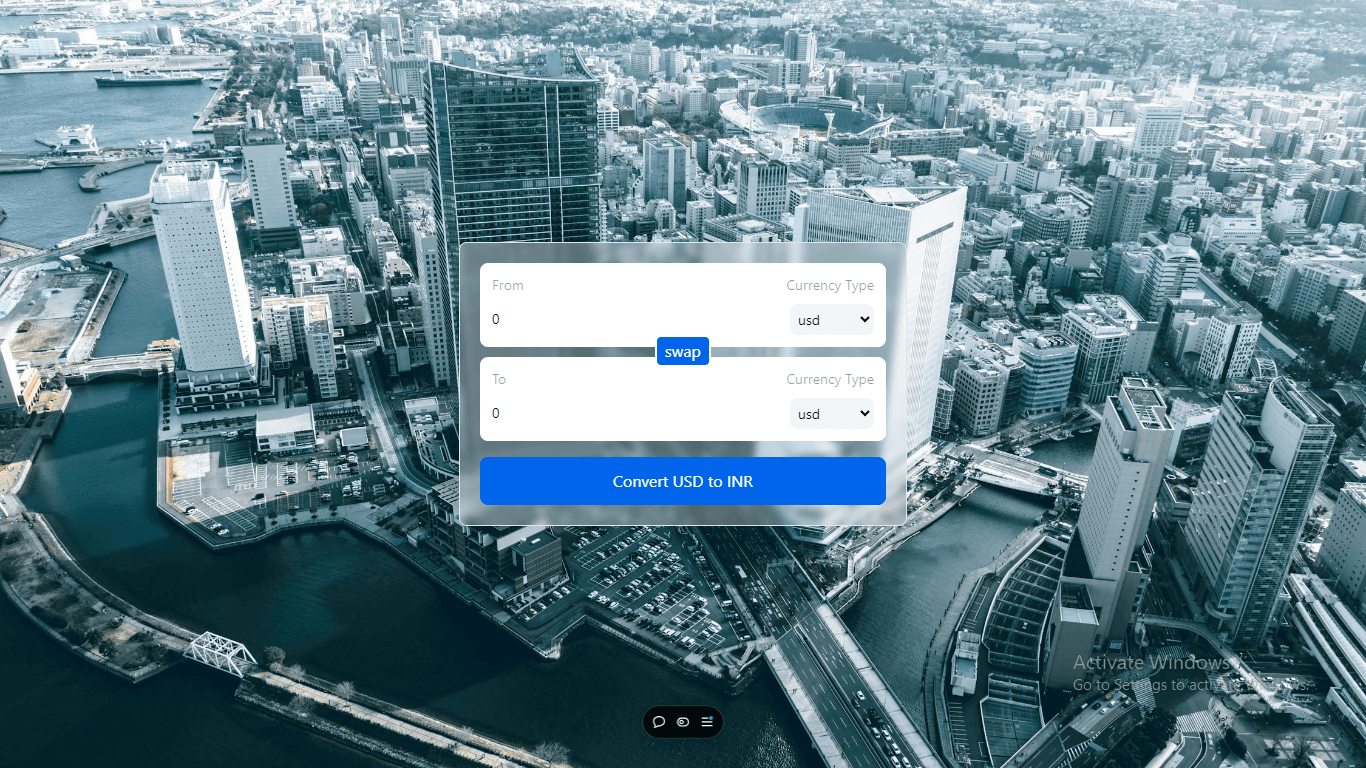
A mobile product decision is not simply a choice between one codebase and two. React Native lets teams build cross-platform interfaces with shared JavaScript or TypeScript code and connect to native capabilities when needed. Native iOS and Android development uses each platform’s own tools and APIs. Both approaches can produce strong apps; the best fit depends on the product and team.
Understand what the app must do
List the important screens, device features, offline behavior, background tasks, accessibility requirements, and performance-sensitive interactions. A content or booking app may have straightforward platform needs. An app relying on specialized hardware, complex background behavior, or highly platform-specific interaction may require deeper native work.
Do not infer that cross-platform means every feature is shared without exceptions. Native modules and platform-specific adjustments may still be part of a React Native application. Include that work when evaluating delivery effort, especially if third-party SDKs or device features are central to the product.
Consider how the team will ship and support it
A shared application layer can help a team deliver common screens and business logic across platforms, particularly when the team already works with React. Native projects may fit teams with strong platform expertise or products that depend heavily on each operating system’s APIs. In either case, someone must test on real devices, manage signing and store submissions, and handle platform changes.
- Compare the app’s actual device API requirements.
- Review libraries and SDK support for both target platforms.
- Plan testing across representative devices and operating system versions.
- Include release, monitoring, and maintenance in the delivery plan.
Prototype the riskiest features
Before committing to an approach, validate a feature that could determine the architecture: a hardware integration, demanding animation, offline sync, or third-party SDK. Build a small technical spike on the target devices and evaluate reliability, user experience, and maintenance effort. A focused test reduces the risk of discovering a critical constraint late in the project.
The cost comparison should include more than initial implementation. Consider the team’s skills, the amount of platform-specific code, release coordination, and the expected life of the product. A single shared codebase can simplify some work, but it does not remove the need for platform-aware testing and support.
Choose for the product, not the slogan
Choose the approach that supports the experience your users need and that your team can confidently maintain. If you are mapping a mobile product, explore our mobile app development approach or tell us what you are planning.
Looking for help with this?
Explore our mobile development servicesKeep exploring
Related insights
How AI agents can improve a business workflow
A practical guide to identifying suitable agent tasks, setting guardrails, and introducing AI into an existing process without losing oversight.
AI chatbots vs. AI agents: choosing the right approach
Understand the practical difference between conversational assistants and tool-using agents, and choose a scope that fits your users and risk.
How to choose a technology stack for your web application
A decision framework for selecting frontend, backend, and data technologies based on product needs, team capability, and long-term ownership.